
Clinical Photography,
Perfected for Ortho
We spent months fine-tuning the camera settings so every dental photo is clinical-grade out of the box. Capture all 9 standard views in under a minute and they land in the patient record automatically.
 1
1 2
2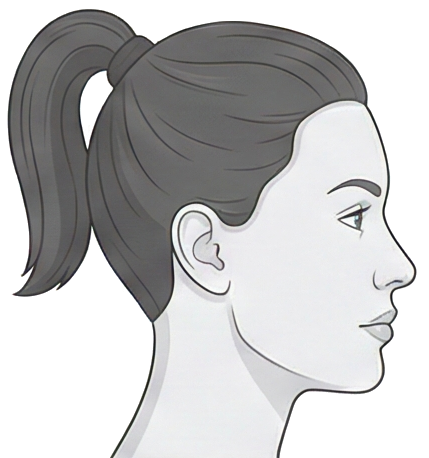 3
3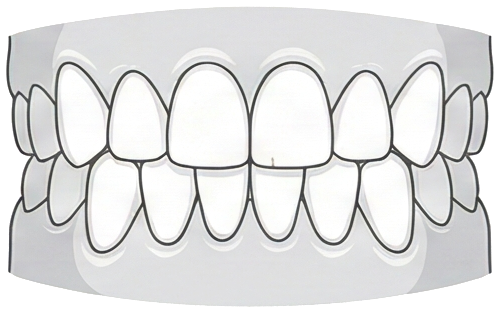 4
4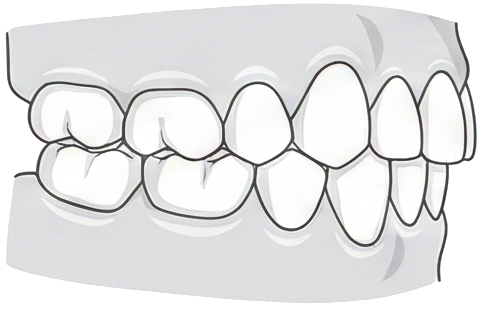 5
5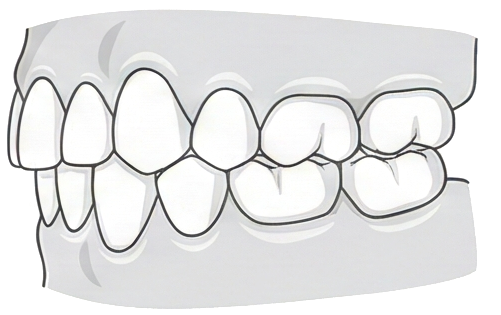 6
6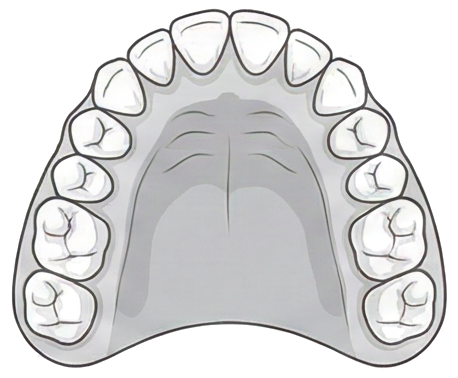 7
7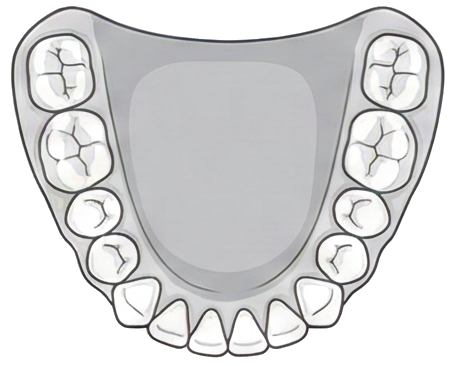 8
8 9
9 Everything You Need
at the Chair
Guided Clinical Photography
A 9-slot photo grid with face position guides so every angle is consistent across patients and visits. No more guesswork, no more retakes.
Per-Photo Camera Control
Set zoom, orientation, aspect ratio, flash, and light intensity for each slot. Dial it in once and every photo comes out clinical-grade.
Automatic Wi-Fi Sync
Photos land in the patient record the moment you finish. No cables, no file transfers, no manual uploads.
Orthodontic Medical Notes
Record classifications, measurements, and clinical assessments with structured templates built specifically for ortho.
Works Offline, Syncs Later
Capture photos and write notes even without Wi-Fi. Everything queues up and syncs automatically when you reconnect.
iOS and Android
Runs on iPhones, Android phones, and tablets. Use whatever devices your team already has.
Ready to Transform Your Practice?
See how Lightning can streamline your workflow and give you more time with patients.